How to add additional user in to company profile

To add an additional user to our portal is very simple, just follow the following step and you are ready to go
  1. Login
  2. add a new contact
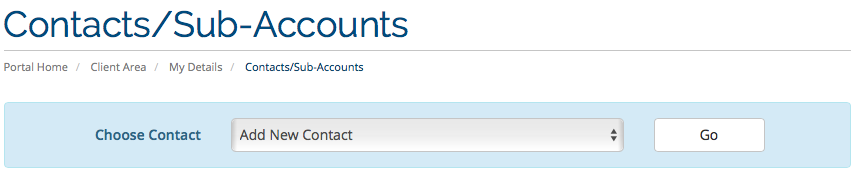
  3. Final step

Login 

1. To login to our billing/ support portal, just click on login
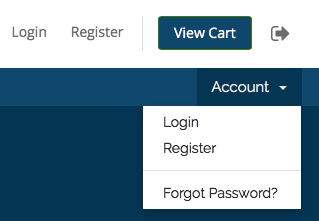
login-page

2. Key in your login detail, username will be your email address
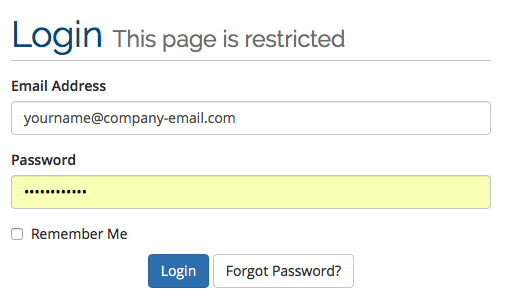
login-email-page

Add a new contact

3. Once you successfully log in to our billing/support portal, just click on Sub-Account/Contact
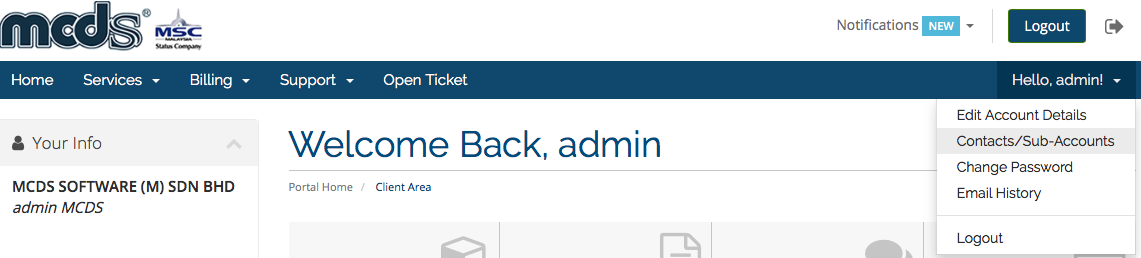
login-contact-page

4. Select add new contact

login-add-contact

Final step

5. Fill up all the detail that required and tick the selection of Activate Sub-Account, Once all information had completed just click Save Changes
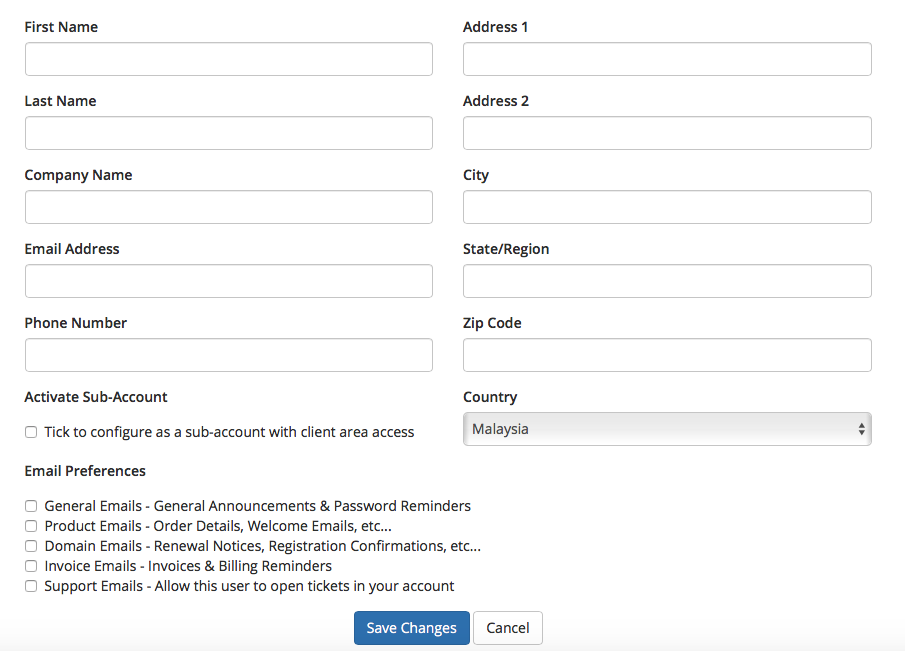

login-detail-feild

  • 0 Пользователи нашли это полезным
Помог ли вам данный ответ?

Связанные статьи

Creating an account

Creating an account in support and billing portal   billing.mcdsbhd.com is our official...

How to issue a ticket

For any enquiry and support. You can request through your billing.mcdsbhd.com account. Click...

How To Download File From Profile

To Download the file from your own profile simply just login to our portal...

How To Upgrade Products

To upgrade the product is just simple few click login to our Billing /Support Portal...

How To Purchase Add-On Module

To upgrade the product is just simple few click login to our Billing /Support Portal...